I'm sorry for your trouble. To Rotate and Move your 3D screen, you need to use wheel- mouse to do so. For mouse control, please refer to instruction below.
Screen Rotation: Left mouse click + move around the mouse Move Screen: Middle wheel click + move around the mouse 3D pinching: Ctrl + Left mouse click

Comments
1 comment
I'm sorry for your trouble.
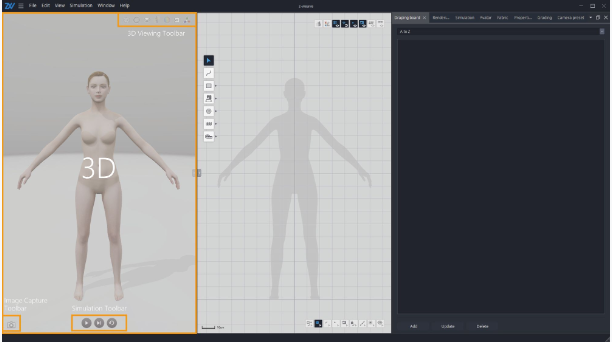
To Rotate and Move your 3D screen, you need to use wheel- mouse to do so.
For mouse control, please refer to instruction below.
Screen Rotation: Left mouse click + move around the mouse
Move Screen: Middle wheel click + move around the mouse
3D pinching: Ctrl + Left mouse click
here's the link to manual description also.
https://help.z-emotion.com/hc/en-001/articles/6133175028239-3D-view
Please sign in to leave a comment.