MetaHuman 5.3

The clothing being simulated with Meta Human Actor does some weird things.
1: the clothing ignores collision with the head model of the Meta Human Blueprint. So the neck, collarbone, etc. So when the actor is moving with animation and the clothing bounces up and down it goes threw and causes clipping. As shown in the screen below. What settings are required to fix this, either on the Meta Human or in the Zelus Simulation Manager?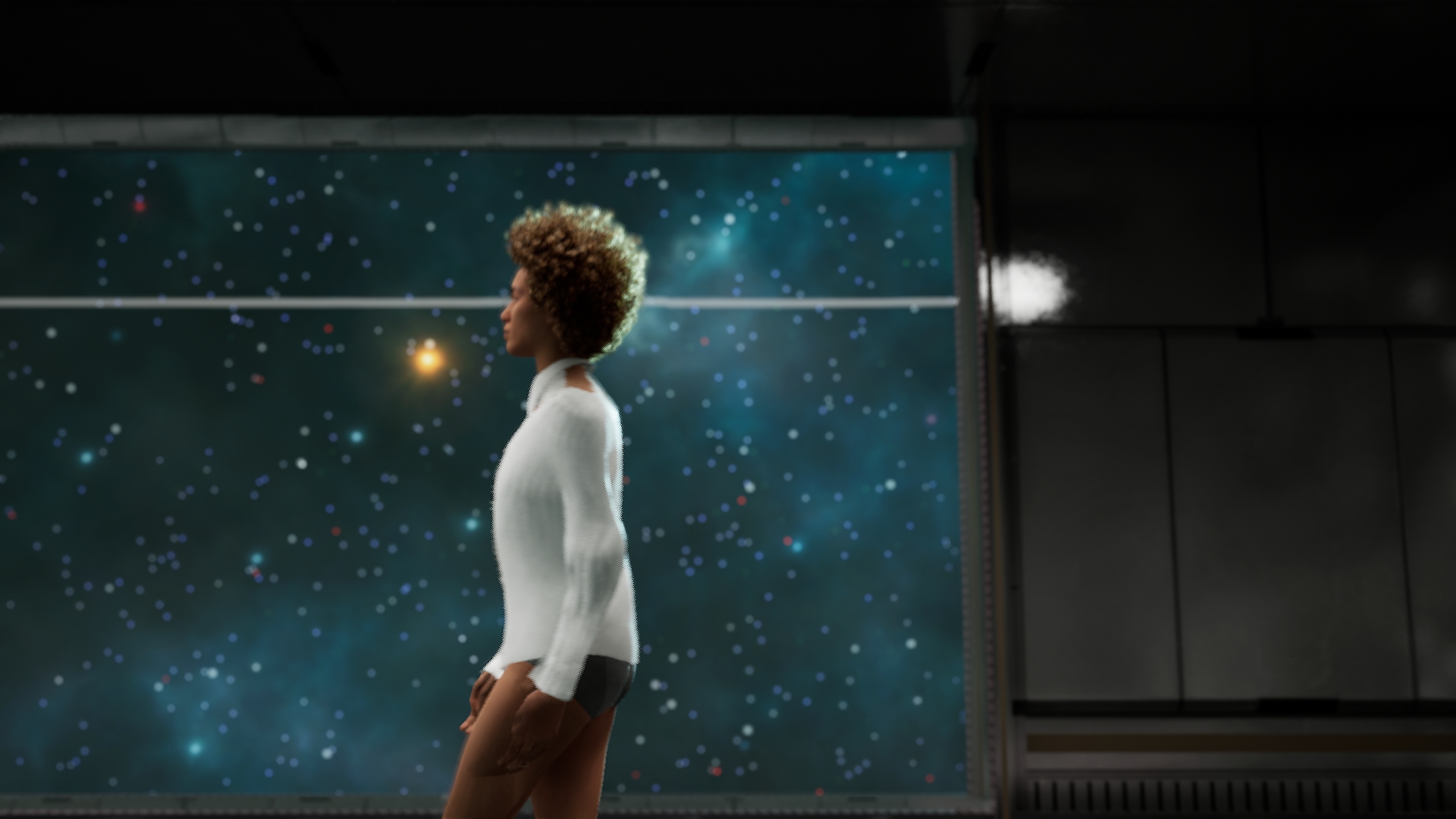
2: When i start simulations the clothing has no weight to it. Even if i put the gravity to max and max avatar friction the garment floats around the avatar and moves like its in zero G or in a wind storm. I tried a lot of different combinations of the settings listed here https://help.z-emotion.com/hc/en-001/articles/8176186682255-ZelusSimulationManager-Properties but none would fix the issue. I even brought my animation into Z-Weave and simulated the garment there and it behaved correctly but in UE5 it moves sporadic.
Any tips and fixes are greatly appreciated. Thnx.
Comments
1 comment
Hi The New Meta!
Thank you for your issue reporting.
Question 1. Here are a few things you can try:
Question 2. Please try these things.
Please sign in to leave a comment.