Tracing Internal Lines into External Patterns

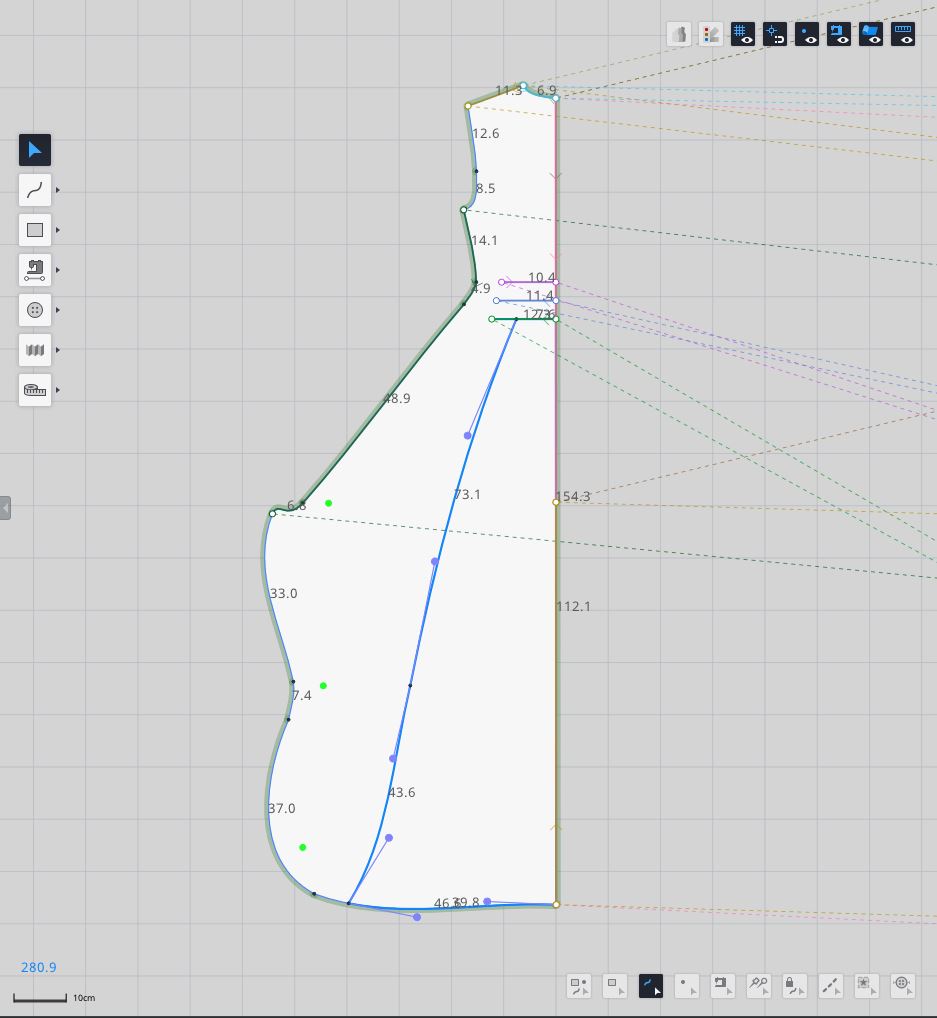
Is there a tracing feature where we can create external patterns from internal lines? I'd like to create a new external pattern piece with the highlighted internal lines in the screenshot below. Thank you and I hope to hear from you soon!
Comments
2 comments
Hi Evren,
Thank you for sharing your idea. We will plan to improve this feature.
To get a separate piece with highlighted internal lines, 1) copy and paste this pattern first and select the internal lines. 2) Right-click on the internal line and select the Scissors function. 3) Then, you will get a new exterior pattern piece.
Hello z-emotion Support Team Member!
Thank you for the suggestion; it's a clever work-around that is working for me at the moment.
Please sign in to leave a comment.